How to Use ChosenOne
Unsure what to eat, where to go, lucky draw or just want to make things a little more fun? Let ChosenOne make the decision for you. Here’s how:
-
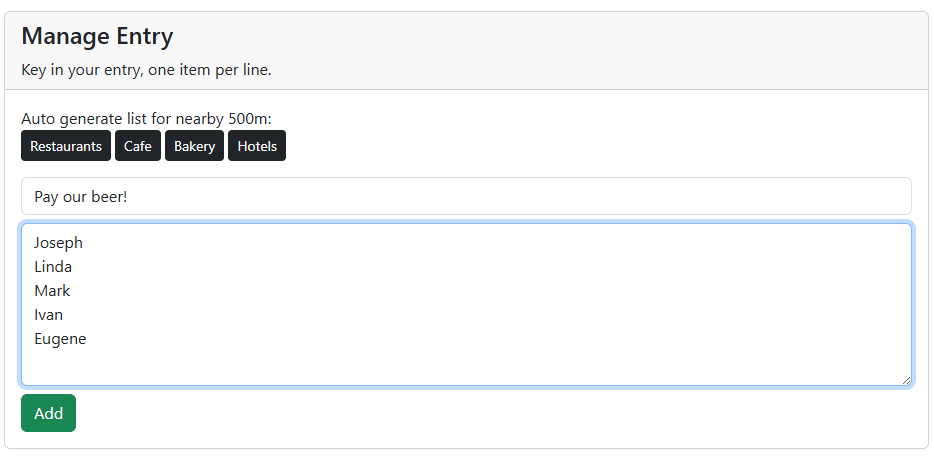
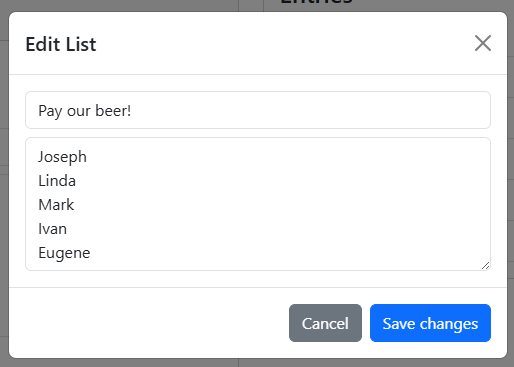
Step 1: Name your list, and key in your options (one per line), or you can use our auto generate lists to get started quickly!
-
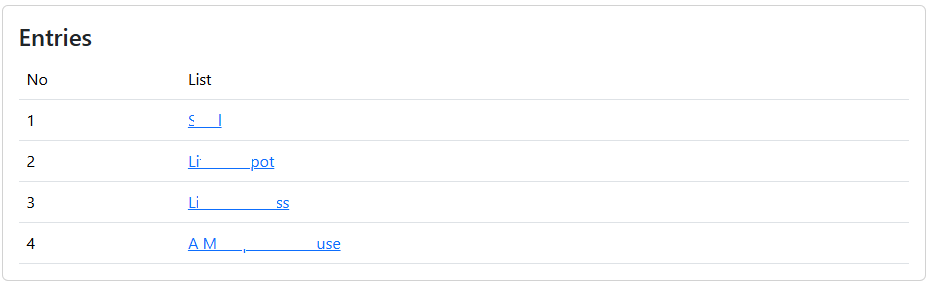
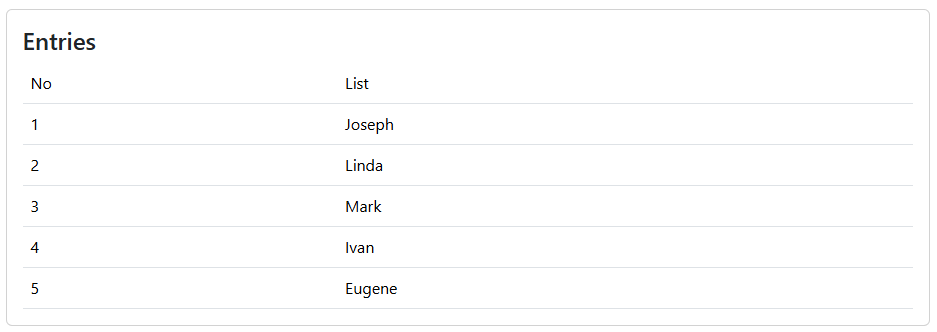
Step 2: Check on the entry. Auto generate lists will have a link to Google map.
-
Step 3: You can switch the list if you have created multiple lists. Click "Delete" to remove the list.
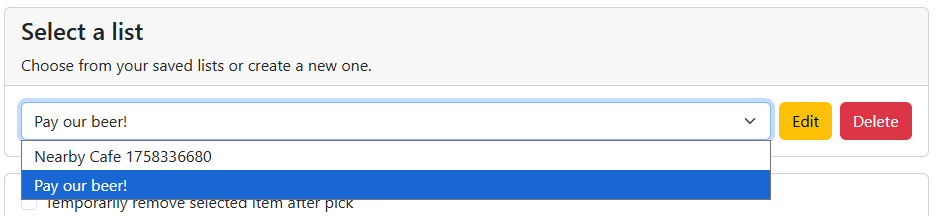 Click on "Edit" and make changes on your entry.
-
Step 4: Click on "Pick Random" to get your random choice. You can tick on "Temporarily remove selected item after pick" to remove the entry after it is picked (especially for lucky draw). But take note that the list will recover to original state when you refresh the page.
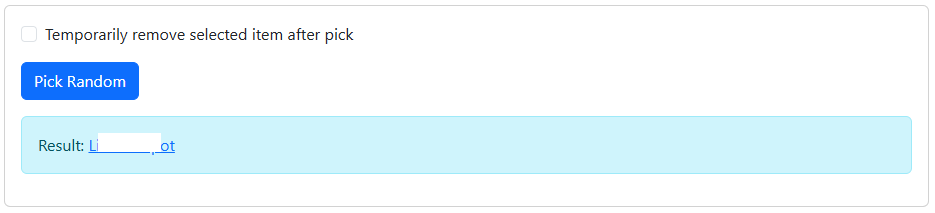
- Step 5: Enjoy the surprise and let go of the stress of choosing.